
Google Keep reminders: features that few people take advantage of
Set up Google Keep reminders In an advanced way, it transforms a simple digital notebook into a powerful productivity assistant capable of effortlessly organizing daily tasks.
Advertisements
This minimalist tool hides automation options based on geolocation, real-time collaboration, and voice notes that most users are completely unaware of.
Taking advantage of these hidden features optimizes time management and prevents you from forgetting crucial tasks amidst this year's hectic work and personal pace.
What are the hidden features that enhance daily organization?
The application allows you to combine text notes with interactive checkboxes, color labels, and audio recordings that are automatically transcribed into editable text.
It also facilitates the creation of collaborative lists where family members or co-workers can modify items and mark completed tasks simultaneously and in sync.
Advertisements
To learn about security guidelines and the technical operation of the Workspace ecosystem, visit the official website of Google Workspace.
How do location-based alerts work?
This feature allows you to schedule alerts that do not depend on the time, but on the exact location where you are when you arrive at a specific commercial establishment.
By activating this function via GPS, the system detects your geographic coordinates and displays the notification on the screen just when you cross the pre-configured perimeter.
Integrate the Google Keep reminders Based on specific locations, it guarantees that you'll never forget to buy that missing ingredient when passing by your neighborhood supermarket.
Below, we present a detailed table with the advanced functions available, the type of activation, and their recommended practical application for the user.
| Advanced Function | Activation Type | Recommended Practical Application |
| Ads by Location | GPS Geolocation | Remember to buy supplies when you get to the store |
| Audio Notes | Voice recording | Dictating quick ideas while walking down the street |
| Shared Lists | Collaboration link | Organizing grocery shopping as a couple |
| Color Labels | Visual categorization | Filter urgent pending work projects |
Reviewing this table helps you identify which tools best suit your daily workflow without wasting time on unnecessary complex configurations.
Why choose geolocated alerts over traditional alarms?
Alarms based on fixed schedules often sound at inopportune times, such as during an important meeting or while driving, losing their real usefulness as a warning.
Read more: Organize Your Life in 2026 with These Productivity Apps

Spatial alerts adapt to the dynamism of the daily routine, delivering the message exactly when you have the physical opportunity to perform the pending task.
Master the Google Keep reminders spatial reduces the mental fatigue generated by trying to memorize dozens of daily errands before leaving home.
When is it better to use voice notes instead of typing?
Dictating audio notes is ideal when you're driving, cooking, or have your hands full and need to record a fleeting thought before it's forgotten.
Read more: Apps for taking quick and organized notes
The integrated artificial intelligence processes the audio file and generates the corresponding text, allowing you to search for keywords within the note later without problems.
To delve deeper into digital productivity tips and software optimization, check out the specialized articles from TechCrunch.
Final tips to optimize your digital productivity
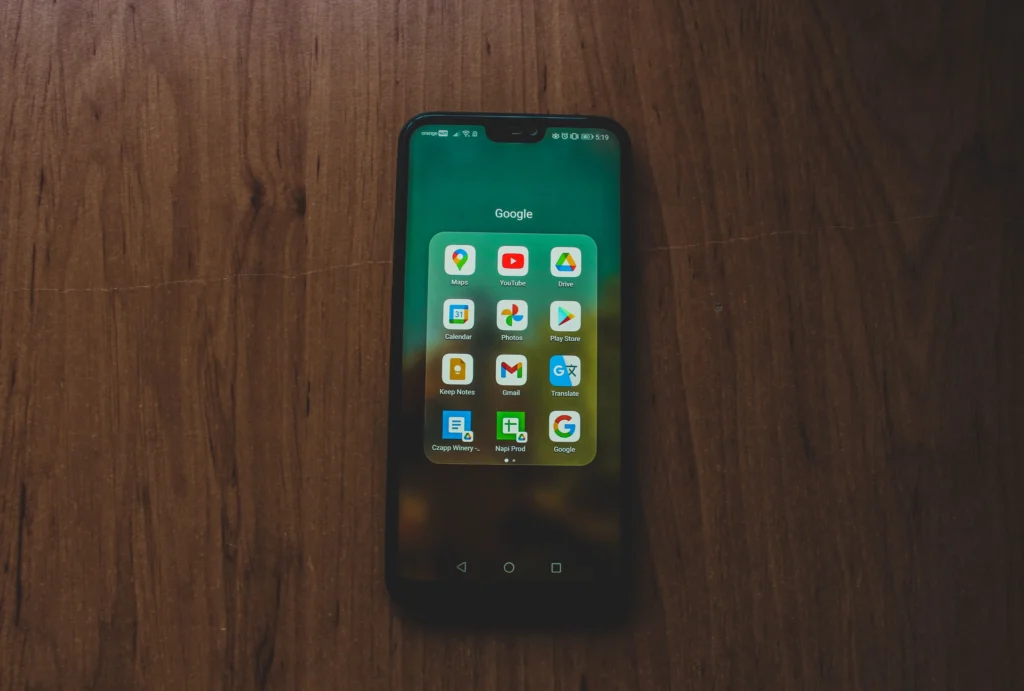
Organizing the main screen using color codes and hierarchical labels speeds up the visual search for critical information during busy workdays.
Archiving completed items instead of deleting them keeps the workspace clean, preserving a useful history of completed tasks for future reference.
Read more: Free or Paid Apps: Find Out Which Ones Are Really Worth the Investment
Start exploring these features today and see how a small, free app can completely revolutionize your personal organization.
FAQ (Frequently Asked Questions)
Can geolocated alerts be synchronized with Google Maps?
Yes, the system uses map data to recognize business addresses and points of interest saved when setting up the alert by geographic proximity.
Do voice notes take up a lot of storage space?
No, the audio files take up a minimal amount of memory and are stored directly in the cloud associated with your personal Google account.
Is it possible to share a to-do list with iPhone users?
Any user who downloads the application on their iOS mobile device can collaborate in real time through a shared link generated by you.
What happens to my reminders if I lose internet access?
The application saves changes locally and automatically syncs them to the cloud as soon as the device regains a stable internet connection.
\