
Notion free templates: the most useful ones to get started
Get the best Notion free templates It allows you to structure personal projects, daily habits, and professional workflows without wasting time designing complex databases from scratch.
Advertisements
This modular platform transforms blank pages into interactive control panels using configurable blocks, facilitating the centralized management of digital information for students, remote workers, and entrepreneurs.
Leveraging pre-designed resources accelerates software adoption, optimizes daily productivity, and eliminates the initial learning curve that often discourages new users of this tool.
What are Notion templates and why use them?
Notion templates are pre-configured working structures that include related databases, custom views, tracking tags, and aesthetically pleasing layouts ready to be directly duplicated.
Adopting these pre-designed schemes avoids the frustration of the blank canvas, offering proven methodologies for organizing tasks, personal finances, meeting notes, and academic planning from day one.
Advertisements
Integrating these pre-built resources saves hours of technical configuration, ensuring a functional, intuitive, and easily adaptable organizational flow according to the evolving needs of each user profile.
| Template Name | Usage Category | Main Components Included | Difficulty Level |
| Personal Weekly Planner | Personal Planning | Calendar, To-Do lists, habits | Beginner |
| Student Dashboard | Academic Management | Schedules, task manager, notes | Intermediate |
| Task & Project Manager | Labor Productivity | Kanban boards, deadlines, allocation | Intermediate |
| Simple Sales CRM | Business and Sales | Customer database, pipeline | Advanced |
What are the most useful free templates for beginners?
The personal weekly planner stands out as the essential tool for organizing daily routines, prioritizing urgent tasks, and consistently tracking short-term goals without complications.
For the educational field, the student panel consolidates subjects, exam dates, and pending readings into a single interconnected space that simplifies academic performance throughout the course.
Those seeking to improve their work performance find in the project manager an agile solution based on Kanban methodologies to monitor the status of each pending deliverable.
How to install and integrate templates into your workspace?
Exploring the official resource gallery allows you to select the desired structure and press the duplicate button to instantly transfer it to your own configured personal panel.
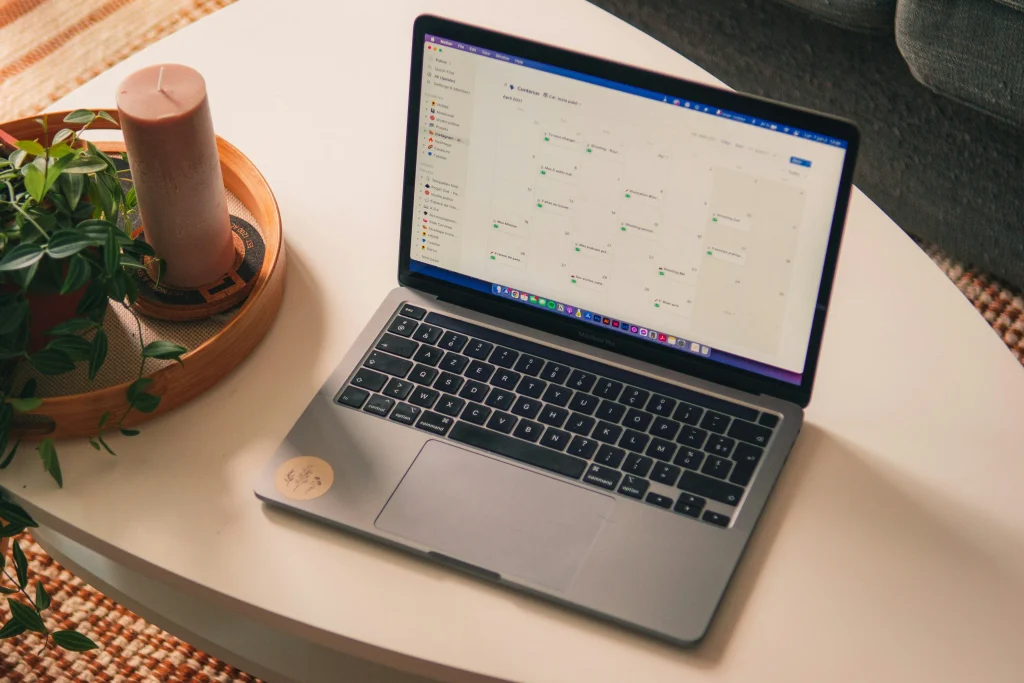
Customizing database properties, adjusting display filters, and modifying icons helps adapt the downloaded design to your particular work style.
Read more: Recommended apps for new iOS users
Additional technical instructions on customizing organizational blocks and advanced features can be found directly on the official portal of Notion Help Center to optimize your digital spaces.
Integrate these Notion free templates In your daily routine, ensure a smooth transition to a clean, modern, scalable, and highly efficient document management system for your projects.
Why choose official templates over those created by the community?
The options developed directly by the program team guarantee absolute compatibility with the latest platform updates, avoiding formatting errors or outdated formulas in databases.
The global community provides highly specialized models for specific niches, offering advanced aesthetic alternatives and automation workflows designed by experts in digital productivity and personal organization.
Read more: Apps to organize your creative projects
Evaluating both alternatives allows combining the technical stability of official structures with the creative versatility of the most popular and globally valued community designs.
How to maintain an organized workspace in the long term?
Establishing weekly digital cleaning sessions prevents the accumulation of obsolete pages, archiving completed projects to keep the main interface focused solely on priority and immediate tasks.
Limiting the number of interconnected databases prevents slowdowns in the mobile application and facilitates fast navigation from any device connected to your main account.
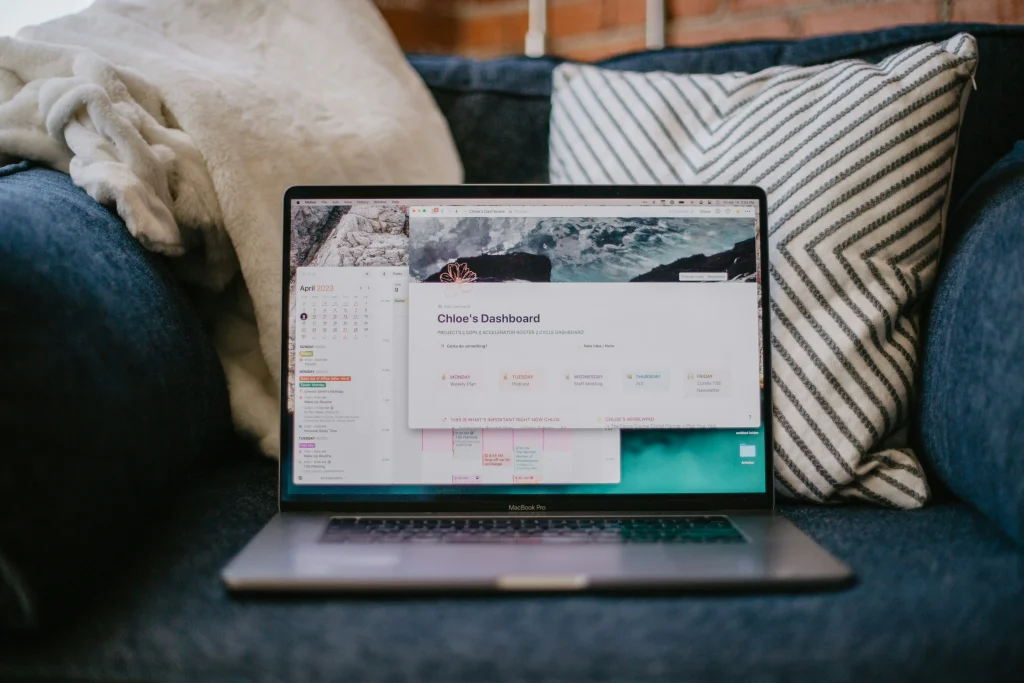
Read more: Apps that help you avoid procrastination
For more information on official recommendations regarding technological accessibility and educational software standards, you can visit the website of Ministry of Education and Vocational Training of the Government of Spain.
Regularly reviewing the filters and views on your dashboards ensures that the system evolves in tandem with your professional and personal responsibilities without losing order.
Frequently Asked Questions (FAQ)
Can Notion's free templates be freely modified?
Yes, once you duplicate the template in your workspace, you have full control to edit text, add properties, change views, or delete blocks as you prefer.
Is a subscription required to use advanced templates?
No, the platform's free plan allows you to duplicate and use the vast majority of templates created by both the company and the global community.
Where can I find more verified free templates?
Notion's Official Gallery is the safest and most varied source, classifying thousands of free resources into categories such as education, work, design, and personal life.
\