
Recommended apps for new iOS users
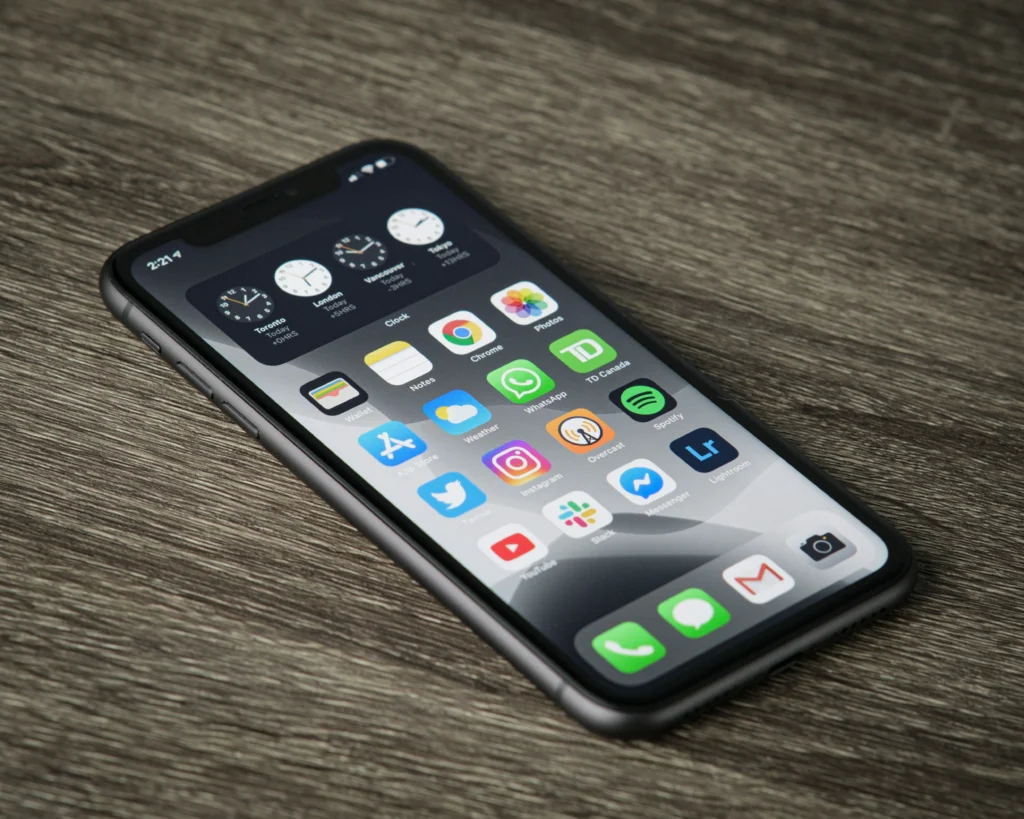
Install the best Recommended apps for new iOS users It is the first essential step in transforming a brand-new iPhone into a highly optimized productivity tool by 2026.
Advertisements
This transition from other operating systems often raises some questions about which alternative tools to choose for managing files, notes, finances, and everyday digital security.
What are the first productivity apps you should install?
Starting with solid organizational tools is crucial to structuring your daily routines without overloading the internal storage memory of your new mobile device.
To optimize the performance of your daily tasks, the Notion note and database management application stands out as an extremely versatile and customizable option.
This platform allows you to coordinate complex schedules, write detailed drafts, schedule important reminders, and instantly sync all essential information with your personal computer.
Advertisements
On the other hand, if you prefer a minimalist interface focused purely on quick tasks, the classic Todoist app makes it easy to create structured to-do lists with clear daily priorities.
These excellent tools represent the main Recommended apps for new iOS users who seek to immediately improve their work efficiency and personal organization on their new device.
How to optimize security and privacy in the Apple ecosystem?
The security of your bank accounts, emails, and social media profiles requires a strong, unique password that is extremely difficult for cybercriminals to crack.
Although Apple's system includes a fairly reliable native manager, the cross-platform application Bitwarden offers an additional layer of open-source protection that is highly recommended.
This tool allows you to generate complex random keys, store encrypted digital credentials, and securely access your accounts from any external web browser.
Additionally, activating a highly trusted virtual private network service like ProtonVPN protects your browsing when you connect to public wireless networks in airports, cafes, or shopping malls.
According to the official privacy guidelines of Apple Support, Protecting your digital identity requires using iCloud Keychain to automatically and proactively detect password leaks.
What creative tools enhance your daily multimedia experience?
Capturing and editing high-resolution photos is one of the iPhone's biggest draws, but it requires advanced tools to unlock the full potential of the camera's physical sensor.
The Lightroom Mobile photo editing app offers precise manual controls to adjust the exposure, white balance, shadows, and color palette of your best family portraits.
For video content production, CapCut stands out as the most intuitive mobile editing tool, allowing you to apply smooth transitions, animated text, and dynamic effects in just a few minutes.
Learning to master this visual software will make it easier for you to create short videos ready for social media, taking full advantage of the excellent graphics processing capabilities offered by Apple's new processors.
Integrating these visual tools into your download library perfectly complements the list of Recommended apps for new iOS users focused on the creation of modern digital content.
What are the best file storage and management options?
Managing your digital documents efficiently is vital to avoid losing valuable information when transitioning from other traditional mobile operating systems on the market.
The native iOS Files app allows you to directly integrate various virtual storage clouds, making it easy to immediately view your folders saved on different external platforms.
For those who work with large volumes of PDF documents, the PDF Expert reading and annotation tool allows you to quickly sign contracts, fill out forms, and highlight important text.
Below is a detailed table with technical information gathered on the performance, App Store rating, and main features of these featured digital tools:
| Application | Main Category | App Store Rating | Subscription Cost |
| Notion | Productivity | 4.7 / 5.0 | Free (Premium plans) |
| Bitwarden | Digital Security | 4.8 / 5.0 | Free (Open Source) |
| Lightroom | Photo Editing | 4.8 / 5.0 | Free (Paid features) |
| PDF Expert | File management | 4.7 / 5.0 | Free (Premium Trial) |
Each of these options offers an extremely smooth and optimized user experience for Apple's specific hardware, guaranteeing maximum efficiency without consuming excessive background resources.
Read more: WhatsApp changes 2026: new features on Android and iPhone
How to keep your iPhone organized and free of useless downloads?
Avoiding the accumulation of redundant applications that you only use once helps preserve the optimal performance of the operating system in the long term, preventing unnecessary wear and tear on physical memory.
We highly recommend using the App Library to keep your home screen clean, automatically grouping different programs into smart categories and making them easy to find quickly.
Read more: iPhone apps with AI 2026: important new features
Uninstalling tools you don't use for a period of thirty days is an excellent digital hygiene practice to keep your internal storage with enough operational manpower space.
This wise organizational strategy complements the correct selection of the Recommended apps for new iOS users who want to enjoy a fast, intuitive, and highly productive software environment.
Towards an optimal experience on your new iPhone
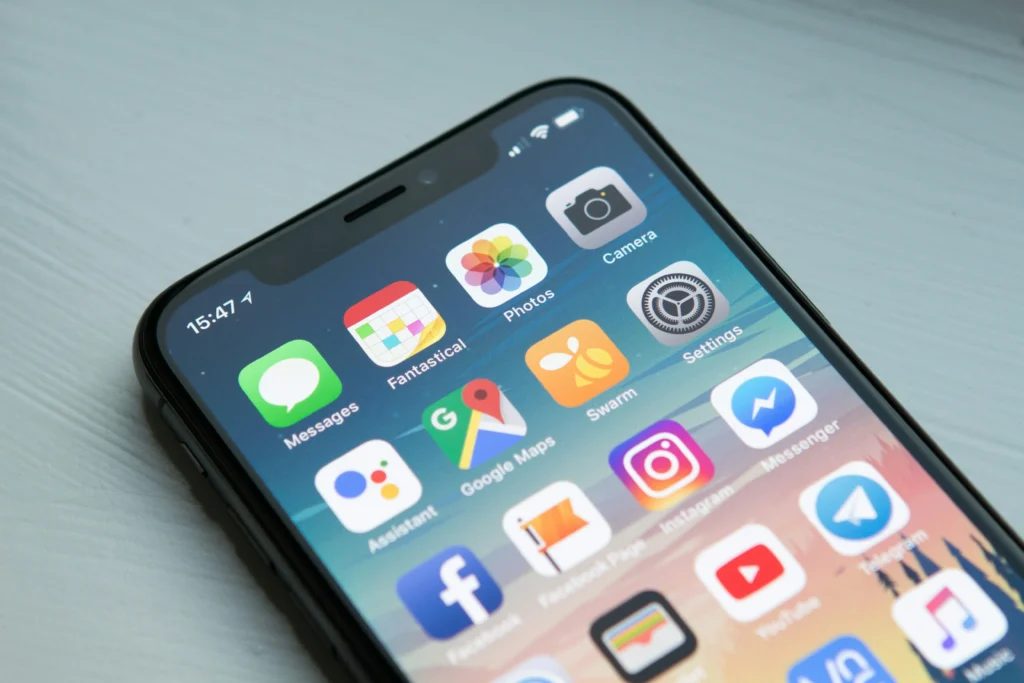
Starting your journey in this new mobile operating system with the right tools guarantees an extremely fast, pleasant adaptation process and is completely free of complex operational frustrations.
Read more: Optimize iPhone performance in 2026: effective tricks
Personalizing your device with apps that prioritize the security of your personal data, work productivity, and visual creativity will allow you to get the most out of your technological investment in this device.
For in-depth hardware analysis and official updates on this technology ecosystem, we invite you to frequently explore the specialized website of Applesfera.
Frequently Asked Questions (FAQ)
Is it mandatory to pay to use these apps on the iPhone?
No mandatory payment is required, as all the recommended tools offer very comprehensive free versions that cover the basic needs of any average beginner user.
Can I easily transfer my files from Android to iOS?
Yes, the official migration app makes it easy to wirelessly transfer your contacts, historical photos, personal calendars, and email accounts during initial setup.
How many security apps should I install on my device?
We recommend installing only a trusted password manager and a virtual private network service to protect your public internet connections without overloading your phone's system.
How can I free up storage space quickly?
You can access the general storage menu within the settings to review which applications consume the most physical space and enable automatic uninstallation of programs you don't use frequently.
\