
WhatsApp privacy: Changes to profile picture and status
Adjust the settings of WhatsApp privacy It has become a priority need to avoid the involuntary exposure of personal information to unknown contacts or cybercriminals.
Advertisements
The instant messaging application constantly implements security patches and advanced options that allow you to protect your profile picture, last seen time, and temporary statuses.
Taking advantage of these digital protection tools prevents online harassment, makes identity theft more difficult, and guarantees absolute control over the actual reach of shared posts.
What's new in the privacy settings for profile pictures?
Recent service updates allow you to restrict the visibility of the main portrait to custom contact lists without having to block users individually.
Previously, the options were limited to showing the image to everyone, to scheduled contacts, or to no one, leaving security gaps against accidental strangers.
Advertisements
Today, it is possible to block the screenshot of the profile picture, preventing third parties from saving personal images without the explicit authorization of the owner.
For more details on global cybersecurity and data protection standards on the network, you can consult the Spanish Data Protection Agency.
Implementing these adjustments significantly reduces the risk of account cloning in messaging applications, protecting users' digital identity in everyday virtual environments.
How do visibility restrictions work for temporary states?
The platform's statuses allow users to share texts, photos, and videos that automatically disappear twenty-four hours after being posted to the account.
The settings menu offers the ability to meticulously select which specific people can view this dynamic content using advanced quick exclusion filters.
Setting up these private audiences prevents sensitive information, such as real-time location or family routines, from reaching unwanted business contacts or strangers.
The following table compares the available visibility levels, configuration methods, and direct impact on personal safety.
| Visibility Option | Configuration Method | Allowed Contacts | Digital Protection Level |
| My Contacts | System default setting | All the numbers listed | Moderate for regular users |
| My contacts, except… | Custom exclusion list | Actively selected contacts | Stop against prying eyes |
| Just share with… | Direct and individual selection | Reduced and specific audience | Maximum control of information |
| Nobody | Total blocking from privacy | No authorized spectators | Total content isolation |
Manage properly the WhatsApp privacy In daily stories, it ensures that personal content remains accessible only to circles of extreme trust and security.
Why is it essential to hide your last seen time and online status?
Exposing the state of constant activity allows third parties to monitor sleep patterns, work schedules, and browsing habits without the user's explicit consent.
Synchronizing online status visibility with the last connection time prevents unwanted users from detecting when the application is open and operational.
This feature eliminates the social pressure to respond to messages immediately, restoring peace of mind to the user during their rest periods or workday.
Protecting your digital presence reduces the effectiveness of malicious cyber campaigns, preventing attackers from identifying moments of vulnerability to send social engineering links.
Learning to personalize these invisible barriers encourages a prudent and healthy use of technology, preserving family intimacy in the age of constant hyperconnectivity.
What are the risks of maintaining an account without active protections?
Leaving public information exposed facilitates the automated collection of data by bots designed to structure commercial databases without any authorization.
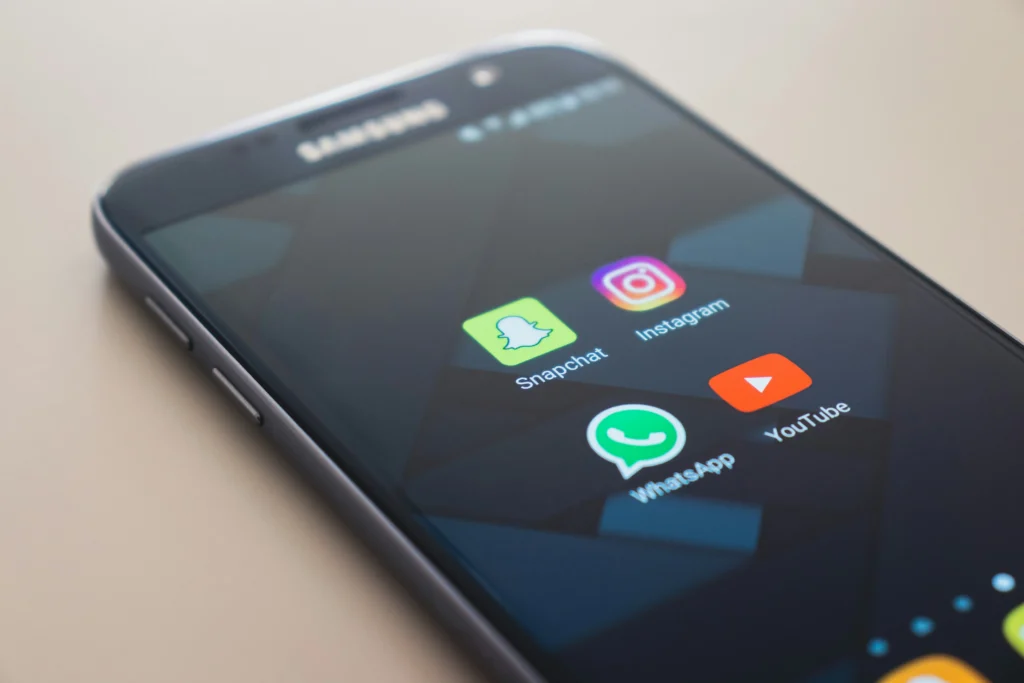
Cybercriminals use stolen photos and status histories to design identity theft scams, soliciting emergency money from unsuspecting family members or friends.
Read more: Dangerous WhatsApp attachments: new layer of security
The lack of security filters in mobile applications increases the vulnerability of citizens to crimes such as digital blackmail or systematic harassment.
Strengthen the parameters of the WhatsApp privacy It curbs these types of cyber threats by creating a reliable communication environment for the exchange of private files.
Regularly auditing the access granted to the account is essential to keep banking information and records of important personal conversations safe.
When should I activate two-step verification to secure the app?
Two-step verification must be activated immediately after installing the application on the mobile device to add an additional layer of personal PIN code.
This secret six-digit key is required every time you try to register the phone number on a new device or duplicate SIM card.
Read more: Spotify on WhatsApp: How to share music in your status updates
Combining this alphanumeric key with biometric authentication such as fingerprint or facial recognition prevents intruders from accessing the chat history even if they have the phone.
Frequently checking the devices linked in the web sessions section allows you to close suspicious remote access initiated on other people's computers or work computers.
To explore technical protection guides and official reports on information security trends, visit the portal of National Cybersecurity Institute.
Absolute control of information in digital communications
Adopting cybersecurity habits on messaging platforms is the most effective strategy to prevent privacy incidents and digital identity theft.
Taking advantage of customization options in images, time-based stories, and activity statuses allows you to enjoy a completely safe and pressure-free browsing experience.
Read more: Automatic WhatsApp downloads: prevent them from filling up your phone
Take control of your online presence by adjusting your account settings today, ensuring your personal information remains protected at all times.
Frequently Asked Questions (FAQ)
Can they see my profile picture if I don't have my number saved?
No, as long as you configure the visibility of your image so that it is only accessible to the people you have saved in your contacts list.
Are contacts notified when I exclude them from seeing my status updates?
No, the app does not send any notifications or alerts to people who have been included on its exclusion list for temporary statuses or stories.
What happens if someone takes a screenshot of my profile picture?
Updated versions of the system automatically block screenshots of profile pictures, displaying a warning that prevents the storage of said personal image.
Does the last seen time blocking also apply to online status?
Yes, it is possible to configure the application so that the online status follows exactly the same visibility rule that you selected for the last connection time.
\