
Speed up a slow notebook by 2026: practical solutions
Learn to speed up slow notebook It is a critical need in 2026, especially with the growing demand for resources from modern operating systems and AI-based applications.
Advertisements
An agile device not only improves daily productivity, but also extends the lifespan of the hardware, avoiding unnecessary expenses on equipment upgrades that still have technical potential.
In this technical guide, we'll explore effective methods for revitalizing your laptop, from software tweaks to essential physical cleanings.
We will analyze how preventative maintenance and intelligent data management can transform a frustrating experience into a smooth and efficient work session in just a few steps.
Why does my laptop's performance decrease over time?
Performance degradation is often the result of an accumulation of temporary files, error logs, and software that starts automatically without our explicit consent.
Advertisements
These elements saturate the RAM memory, preventing the processor from executing priority tasks at the speed necessary to work professionally.
In addition, current operating systems perform constant indexing which, if not configured correctly, can slow down access to the hard drive.
When looking for methods to speed up slow notebook, We must understand that the harmony between clean software and hardware free of thermal obstacles is the ultimate key.
Excessive heat is another crucial factor that many users often overlook. When fans are clogged with dust, the system reduces its processing speed to prevent permanent damage.
This security measure, known as thermal throttling, This is the main cause of sudden crashes in older equipment.
How does physical cleaning affect system speed?
Keeping the ventilation grilles clear allows for constant airflow, keeping internal components at an optimal temperature for high performance.
A thorough physical cleaning, performed at least once a year, can reduce the internal temperature by up to fifteen degrees Celsius.
Using compressed air and antistatic brushes is essential to remove particles that block heat sinks.
According to the technical support guides of Crucial, Proper physical maintenance prevents electrical failures and ensures that the processor always works at its maximum permitted frequency.
Don't forget the importance of renewing the thermal paste every two years to ensure efficient heat transfer between the chip and the heatsink.
This small investment of time produces immediate results in system response, eliminating those annoying delays when opening multiple tabs in the browser.
Maintenance actions and their real impact (2026)
| Technical Action | Impact on Speed | Difficulty | Recommended Frequency |
| Cleaning temporary files | Moderate | Low | Weekly |
| Disable startup apps | High | Low | Monthly |
| Physical cleaning of fans | Very High | Average | Every 6 months |
| BIOS/Firmware Update | Moderate | High | Every 6 months |
| Defragmentation (HDD only) | Low | Low | Monthly |
What are the best practices for managing storage?
A full hard drive is a slow drive due to the lack of space for the virtual memory used by the operating system.
It is recommended to maintain at least twenty percent free capacity so that the writing processes do not become constantly saturated.
Deleting download folders and emptying the recycle bin are basic but fundamental steps for speed up slow notebook organically.
Tools integrated into modern systems allow this task to be automated, silently deleting files that have not been opened for more than thirty days.
Read more: Guide to cleaning your laptop without losing data

Consider moving your largest files, such as high-resolution videos or old photo galleries, to cloud storage services.
Reducing the load on primary storage allows the system to access operational files with significantly lower latency, improving overall responsiveness.
Which software tweaks offer immediate results?
Disabling applications that start up with the system is the fastest way to recover available RAM from the very first minute.
Many messaging tools and synchronization services are installed with automatic startup permissions that slow down the computer's startup.
Setting the power options to "Maximum performance" mode ensures that the processor does not limit its power to save battery when plugged in.
Read more: Complete guide to clean and optimize your notebook step by step
Although this consumes more electricity, it is an essential configuration for performing demanding tasks such as video editing or advanced graphic design.
To learn more about the security and optimized performance of commercial operating systems, visit the official website of Microsoft Support It offers detailed documentation on advanced configurations.
These settings allow you to customize the interface by removing unnecessary animations that only consume processing cycles without providing real value.
When is it necessary to format the system?
Sometimes, the accumulation of errors in the system registry is so deep that superficial cleanups fail to restore the original agility.
A complete format, installing the operating system from scratch, removes any trace of malware or persistent and harmful software conflicts.
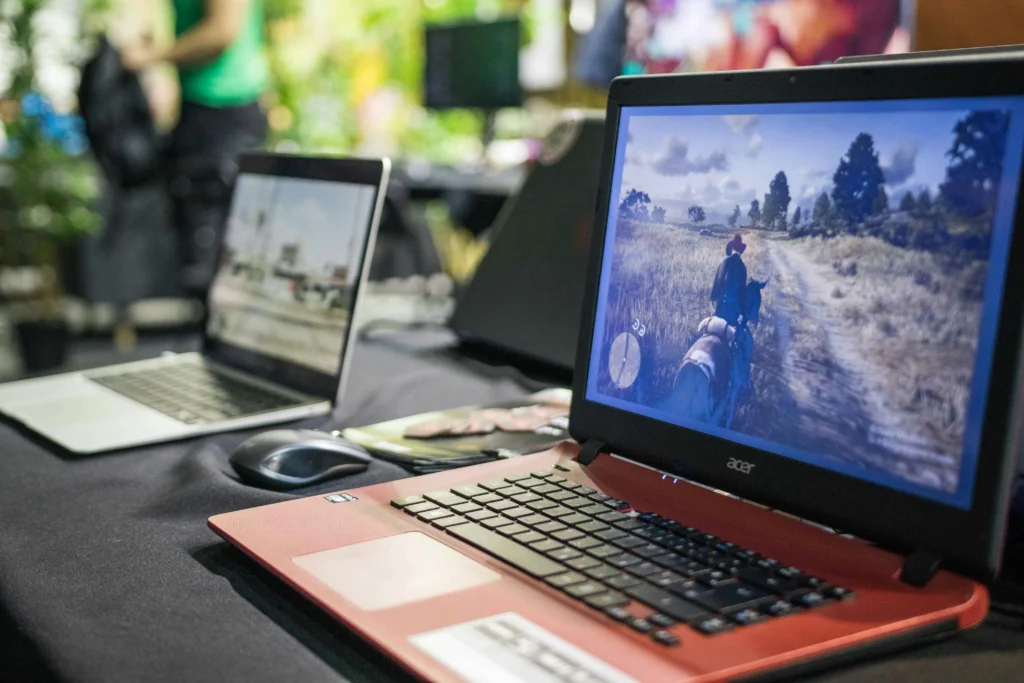
This measure should be considered as a last resort for speed up slow notebook, always making sure to have an external backup of all important documents.
Read more: Tips for cleaning your notebook and preventing overheating
A clean installation ensures that the equipment works exactly like the day it was first purchased from the store.
By 2026, most systems will include "factory reset" options that preserve personal files while refreshing system files.
This functionality greatly simplifies the process, allowing users without advanced technical knowledge to revitalize their machines without risk of losing valuable information during the procedure.
FAQ: Frequently Asked Questions about Slow Notebooks
Is it safe to use third-party cleaning programs?
Although there are reputable tools available, it is best to use the utilities integrated into the operating system to avoid installing [other tools/software]. bloatware. Many free cleaners include advertising or background processes that end up consuming more resources than they release after their initial execution.
How much does the battery affect the speed of the device?
A degraded battery can send incorrect signals to the power management system, causing the computer to operate in power-saving mode permanently. If you notice that your laptop is significantly faster when plugged into a power outlet than when using battery power, you likely need to replace the battery.
Does switching to an SSD really help in 2026?
Absolutely, the difference between a mechanical hard drive and a solid-state drive is the most dramatic performance improvement you can experience. If your computer still uses older technology, migrating to an SSD will reduce load times from minutes to just a few seconds.
Restoring your computer's speed doesn't necessarily require buying a new model if you consistently and diligently apply these strategies.
Success in trying speed up slow notebook It lies in the balanced combination of digital hygiene and regular physical maintenance to protect the internal components.
By freeing the processor from unnecessary tasks and ensuring that the system breathes properly, we guarantee a reliable and efficient work tool.
In this year 2026, where speed of response is vital for professional success, dedicating time to the care of your technology is the best possible investment.
Remember that a well-maintained computer is not only faster, but also much safer against potential unforeseen failures that could compromise your data.
Transform your routine today by applying these practical tips and enjoy the real power your hardware still has to offer.
\