
Google Play Protect: New checks for apps
The system Google Play Protect has implemented new advanced real-time checks to block malicious apps, protect banking data, and safeguard privacy on Android devices.
Advertisements
This technological update responds to the sophistication of current malicious software, which uses social engineering techniques and dynamic modifications to circumvent traditional security controls.
What is this security system and how does it protect the Android environment?
This native defense platform continuously analyzes the behavior of over one hundred billion applications installed daily on smartphones and tablets worldwide.
Its artificial intelligence engine examines source code, monitors unusual network traffic, and neutralizes emerging threats before they compromise the integrity of personal data.
Additionally, the service verifies the authenticity of tools downloaded outside the official store, preventing the execution of modified APK files that hide financial trojans or spyware.
Advertisements
Integrate Google Play Protect Directly in the operating system, it ensures automatic background analysis, protecting users without drastically impacting hardware performance or energy consumption.
This security infrastructure is constantly evolving through machine learning, adapting to the changing strategies of cybercriminals to provide a reliable and resilient mobile environment.
What are the new checks enabled for application analysis?
The latest updates incorporate real-time, code-level heuristic analysis, examining sensitive permissions such as access to SMS messages, accessibility, and banking notifications.
When a user attempts to install unknown software, the system performs a deep inspection via the cloud, detecting suspicious patterns that were not identifiable with traditional static scans.
The following table compares traditional analysis layers against the advanced verifications currently implemented on mobile devices in 2026:
| Verification Type | Analysis Method | Type of Threat Detected | Level of Protection |
| Static Scanning | Comparison of known digital signatures | Classic malware and old viruses in APKs | Essential |
| Behavioral Analysis | Real-time activity monitoring | Financial Trojans and permission modifiers | Intermediate |
| Cloud Inspection (2026) | Heuristic evaluation with artificial intelligence | Polymorphic malware and zero-day threats | Advanced |
| Sideloading protection | Preventive blocking of unverified sources | Social engineering malware | Maximum |
Implementing these layers of defense significantly reduces the margin of error, ensuring that legitimate developers keep their products visible while effectively blocking fraud.
Why is real-time scanning crucial when installing external APKs?
Downloading executable files from outside the official store represents one of the most common attack vectors for infecting smartphones with high-risk, invisible Trojans.
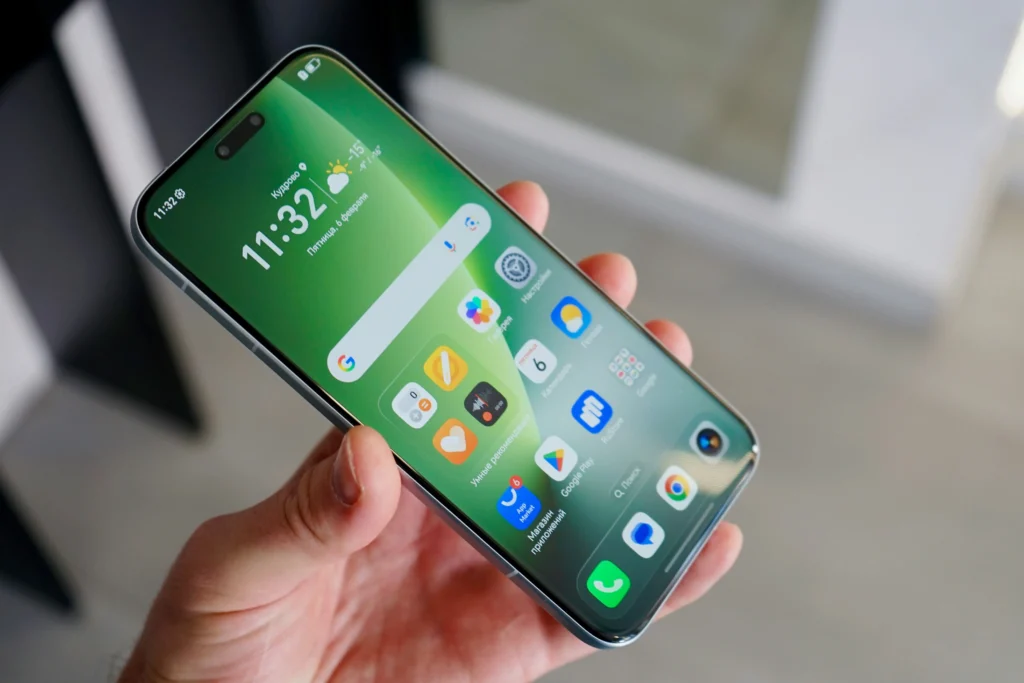
The new checks examine the internal structure of the executable file before allowing it to be opened, requesting additional confirmation if they identify previously unverified code fragments.
Read more: Major Android Updates This Year
For secure development guidelines, publishing policies, and official documentation on the Android architecture, visit the portal Android Developers.
Keep the engine running Google Play Protect It provides the peace of mind of having a preventative barrier capable of pausing dangerous installations without manual user intervention.
This preventative technology minimizes the risks of digital espionage, credential cloning, and the hijacking of personal information in highly connected corporate and home environments.
How do I check if advanced defenses are active on my phone?
Checking the protection status is a simple procedure that can be done directly from the app store menu on any compatible phone.
Entering the profile section and selecting the security option allows you to view the last scan date, the applications analyzed, and the overall health status of the system.
Read more: Apps for listening to audiobooks
Forcing a manual analysis is an excellent practice when you suspect unusual behavior, such as excessive battery consumption or the repeated appearance of strange pop-up ads.
For official recommendations on cybersecurity, safe browsing habits, and digital identity protection on technology platforms, please visit the Cybersecurity and Infrastructure Security Agency (CISA).
Adopting regular review habits complements the effectiveness of the software, building a conscious digital habit that strengthens the comprehensive protection of your sensitive data online.
Keep your device protected against emerging threats in 2026
The evolution of digital threats demands proactive defense tools capable of anticipating the methods used by attackers to violate user privacy.
The constant support of Google Play Protect It represents a fundamental pillar for navigating, installing tools and carrying out electronic transactions with complete peace of mind from anywhere.
Read more: World Cup 2026 Apps: The best ones to follow every match
Make sure to keep your system updated, check system alerts regularly, and enjoy mobile technology with absolute confidence, responsibility, and accurate information.
FAQ (Frequently Asked Questions)
Does Google Play Protect replace the need to install third-party antivirus software?
Yes. For most users, native protection offers sufficient defenses, as it constantly scans the system, installed applications, and external downloads without consuming additional resources.
Does automatic scanning drain too much battery on the smartphone?
No. The checks are optimized to run when the device is idle or charging, minimizing the impact on the phone's daily battery life.
What should I do if the system detects a harmful application on my device?
If the system identifies malicious software, it will send an immediate notification recommending uninstallation. In high-risk cases, it will automatically disable the application to prevent further damage.
Can I install external apps if the verification blocks the APK file?
The system allows the warning to be ignored at the user's own risk, but it is strongly discouraged to ignore the alert if the heuristic engine identified anomalous behavior in the file.
\