
How to Optimize Your iPhone Storage in 2025

In a world where our iPhones have become extensions of our lives, optimize your iPhone storage is more crucial than ever.
Advertisements
With larger apps, high-resolution photos, and files that never seem to stop piling up, managing space on your device can be a challenge.
But don't worry, in this article we offer smart, up-to-date, and effective strategies so you can get the most out of your iPhone in 2025.
Additionally, with our growing dependence on our devices, it's critical to keep space free for new apps and updates.
By applying these tips, you'll not only improve your iPhone's performance, but also extend its lifespan.
Advertisements
1. Understand Your Storage Usage
Before taking action to optimize your iPhone storage, it is essential to understand how you are using the available space.
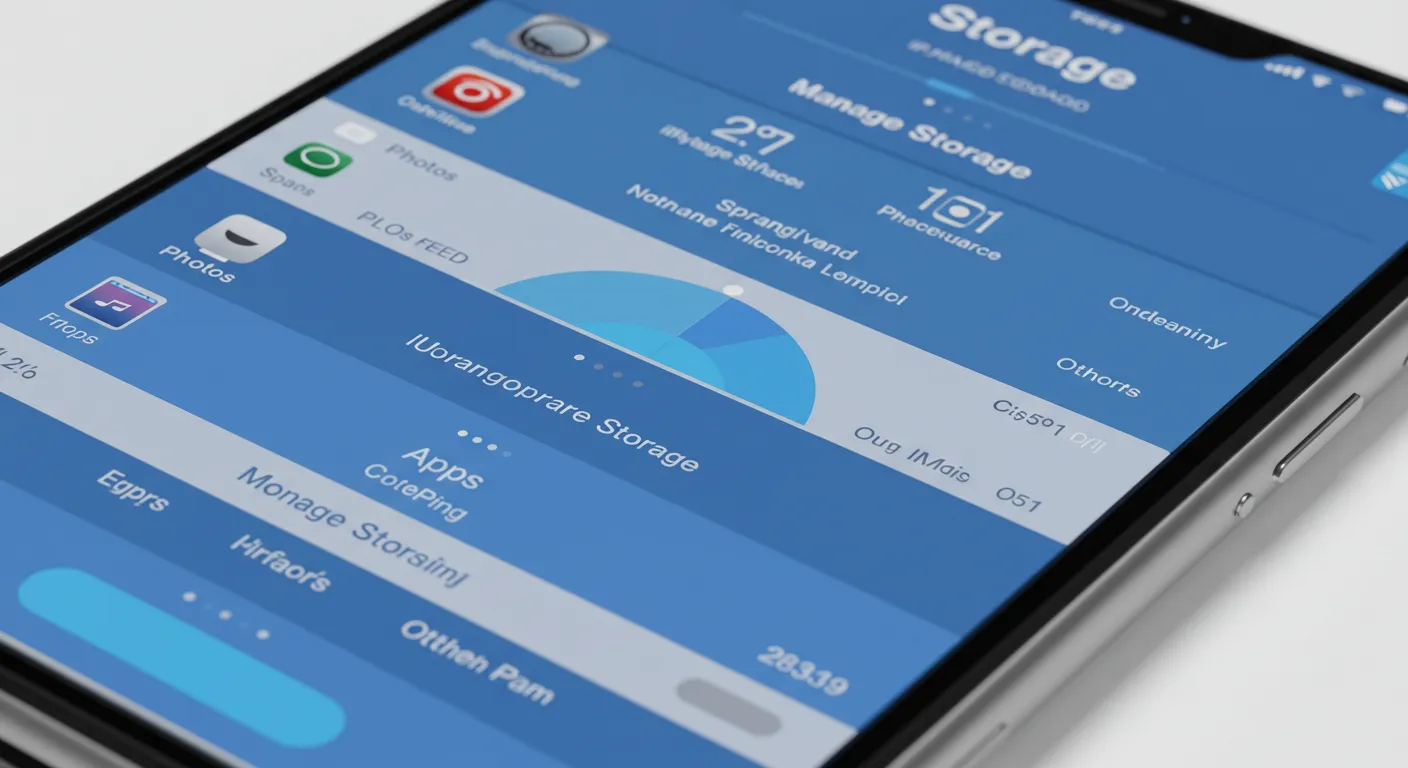
In 2025, iOS continues to offer a built-in tool called iPhone Storage, which lets you see a detailed breakdown of the apps, photos, videos, and other files taking up space.
According to a recent study by Statista, the average iPhone user stores more than 2,000 photos and 100 apps on their device.
This represents an increase of 30% compared to 2020, underscoring the importance of efficient management.
Additionally, it's a good idea to periodically review this breakdown to identify areas where you can free up space.
Knowing your usage habits will allow you to prioritize which files and applications are truly necessary.
+ How to Create a Regular Maintenance Plan for Your PC and Cell Phone
| Category | Occupied Space (Average) |
|---|---|
| Photos and Videos | 45% |
| Applications | 30% |
| Messages and Files | 15% |
| Others | 10% |
2. Use iCloud Strategically
One of the most effective ways to optimize your iPhone storage is to make the most of iCloud.
In 2025, Apple expanded its cloud storage options, offering more flexible and affordable plans.
Turning on iCloud Photos allows your images and videos to be automatically stored in the cloud, freeing up space on your device without losing quality.
Additionally, iCloud Drive lets you store large documents and files in the cloud, accessible from any Apple device.
This not only optimizes space, but also makes it easier to sync between your devices.
Remember to regularly check your iCloud storage to avoid surprises.
If you reach your plan limit, consider deleting unnecessary files or upgrading to a higher plan.
3. Delete Apps You Don't Use
How many times have you downloaded an app that you only used once?
In 2025, with over 5 million apps available on the App Store, it's easy to accumulate unnecessary apps.
Review your list of apps and uninstall those you no longer use.
iOS also offers the "Offload App" option, which removes the app but retains its data in case you decide to reinstall it in the future.
Also, consider setting a schedule to review and clean up your apps regularly.
This will help you keep your device light and organized, avoiding the accumulation of forgotten apps.
4. Manage your photos and videos
Photos and videos are often the main culprits of insufficient storage.
For optimize your iPhone storage, consider the following actions:
- Use Space Saving Mode: When recording videos, select the High Efficiency (HEVC) option to reduce file size without compromising quality.
- Eliminate Duplicates: Use apps like Gemini Photos to identify and remove duplicate or similar photos.
- Export to a Hard DriveIf you have media files that you don't need on a daily basis, save them to an external hard drive or your computer.
Also, consider backing up your photos and videos to cloud storage services.
This will not only free up space, but will also ensure your memories are safe.
5. Clean up your messages and attachments
Text messages, especially those with attachments like photos, videos, and GIFs, can take up more space than you think.
For optimize your iPhone storage, set your device to automatically delete old messages.
Go to Settings > Messages > Keep Messages and select either “1 year” or “30 days.”
Also, review your conversations and manually delete large attachments you no longer need.
You can also consider using messaging apps that offer more efficient storage options.
This will allow you to keep your iPhone organized and free of unnecessary files.
++ Device Optimization: Tips to Keep Your Tech Running at 100%
6. Update to iOS 19 (or the Latest Version)
In 2025, Apple continues to improve its operating system with features designed to optimize your iPhone storage.
iOS 19 includes advanced space management tools, such as intelligent file compression and the ability to identify apps that are consuming unnecessary resources.
| iOS 19 Feature | Benefit |
|---|---|
| Intelligent Compression | Reduce file size without losing quality |
| Application Analysis | Identify apps that consume excessive space |
| Automatic Cleaning | Delete temporary files and cache |
It's important to keep your device up to date to take advantage of these new features.
Updates not only improve performance, but may also include security enhancements that are essential to protecting your data.
7. Use Third-Party Applications
In addition to Apple's built-in tools, there are third-party applications that can help you optimize your iPhone storage.
Some popular options in 2025 include:
- CleanMyPhone: Removes junk and duplicate files.
- Google Photos: Store photos and videos in the cloud for free (with compression option).
- Documents by Readdle: Manage and organize files efficiently.
Also, be sure to do your research and read reviews of these apps before downloading them.
Some may offer additional features to suit your specific storage needs.
For more tips on managing device storage, visit Apple Support.
8. Review and Optimize Your Music Library
If you're a music lover, chances are your Apple Music or Spotify library is taking up a considerable amount of space.
For optimize your iPhone storage, consider downloading only the playlists you listen to frequently and use streaming mode for the rest.
Also, check automatic downloads and disable them if you don't need them.
This will prevent your iPhone from getting filled with songs you're not listening to.
You can also explore music services that offer adjustable streaming quality options.
This will allow you to enjoy your favorite music without taking up too much space on your device.
9. Keep your iPhone organized
Organization is key to optimize your iPhone storage.
Create folders to group similar apps and use labels in the Files app to categorize important documents.
Not only will this help you find what you need quickly, but it will also allow you to identify outdated files that you can delete.
Also, consider cleaning up your home screen to make it easier to access your most-used apps.
An organized interface can improve your productivity and make your iPhone experience more enjoyable.
10. Perform a Periodic Review
Finally, set a monthly reminder to check your iPhone storage.
This habit will allow you to identify trends in your space usage and take proactive measures before storage becomes a problem.
Also, consider keeping track of the apps you use most frequently.
This will allow you to make more informed decisions about what to keep and what to eliminate.
Conclusion
Optimize your iPhone's storage in 2025 doesn't have to be a daunting task.
With the right tools and strategies, you can keep your device running efficiently and worry-free.
From smart iCloud usage to managing your photos and apps, every step you take will bring you closer to a more organized iPhone with room for what really matters.
Remember, the key is consistency and making the most of the innovations that Apple and other companies offer.
Get started today and enjoy a faster iPhone with more storage!
\