
Apps to organize your creative projects
Use the best Apps to organize your creative projects In 2026, it marks the difference between an idea that fades away and a work executed with technical precision.
Advertisements
Today's digital ecosystem demands tools that not only store data, but also understand the often chaotic flow of creativity, integrating artificial intelligence with interfaces that feel natural, almost invisible.
What is a management platform for creatives and how do you choose one?
A creative management app isn't just a to-do list; it's a holistic workspace. This is where we map ideas, visual assets, and timelines.
Unlike corporate tools, which sometimes feel like a straitjacket, these platforms offer the flexibility needed to jump between inspiration boards and technical workflows without friction.
When selecting Apps to organize your creative projects, The priority should be the ability to preview large files, 3D renders, or 8K video without leaving the interface.
Advertisements
The tool should act as an extension of your brain. If you spend more time struggling with the structure than creating, the app has failed in its fundamental purpose.
The choice depends on your discipline. A video editor doesn't look for the same things as an interior designer.
There's something unsettling about an overload of options, which is why the key lies in interoperability: ensuring your data flows freely between your editing programs and your command center to maintain true consistency.
How does artificial intelligence transform the creative workflow?
By 2026, AI within these applications will have ceased to be a marketing gimmick and will become an assistant that labels files by color, composition, or theme.
This allows artists to delegate the tedious task of archiving. It's a real relief to let an algorithm handle the hierarchy while we focus on what matters: the artwork.
The most advanced platforms now rescue old projects you thought were forgotten, suggesting color palettes or textures that match your current intention.
This "assisted memory" is often misinterpreted as a lack of originality, but in reality it is a clever reuse of your own visual background.
To better understand the security and ethical standards in the management of sensitive data, the website of the Spanish Data Protection Agency (AEPD) It offers essential resources.
It is vital to ensure that your original sketches do not feed into public models without your explicit consent.
What are the advantages of centralizing your visual references?
Asset dispersion is the biggest enemy of a state of "flow." Wasting time searching for a specific reference breaks the rhythm.
Centralize everything in the best Apps to organize your creative projects It ensures that every item, from a voice note to a PDF, has a logical place.
The use of integrated mood boards allows clients to visualize the project's direction long before the first deliverable. This drastically reduces revision cycles.
At the end of the day, it's about everyone involved sharing the same aesthetic vision, minimizing the noise that arises in purely textual communications.
Read more: The most innovative apps of the first half of 2026
Implementing a system of cross-tabulation helps you find patterns in your own creative chaos. When your digital archive is organized, your mind feels free to take risks.
It is the invisible scaffolding that supports the most ambitious ideas so that they do not collapse at the first technical mishap.
What tools are leading the market for different creative profiles?
Each discipline has technical needs that determine which digital infrastructure is most efficient for managing its high-fidelity assets.
| Creative Profile | Primary Need | Recommended App | Star Feature |
| Visual Designers | Asset Management | Notion / Milanote | Dynamic mood boards |
| Video Editors | Clip review | Frame.io | Comments in exact frames |
| Writers / Screenwriters | Narrative structure | Scrivener | Organization by scenes |
| Architects | Technical planning | Monday / Trello | Construction phase management |
| Musicians | Audio files | Dropbox Dash | Semantic search of sounds |
How to manage real-time collaboration without losing authorship?
Collaboration is often a minefield of conflicting versions. That's why modern apps include granular version control systems.
Multiple designers can work on the same canvas without fear of overwriting each other's work, maintaining a clear record. It's like having a logbook that protects the author's original intention.
The Apps to organize your creative projects High-end stores offer "pre-production" spaces for informally discussing ideas.
Read more: New apps powered by artificial intelligence in 2026
This filter prevents the main board from becoming cluttered with noise, maintaining strategic clarity while encouraging free experimentation in stages where anything is possible.
Integrated communication eliminates the need to constantly jump to external messaging, one of the most lethal distractions to deep concentration.
By keeping the dialogue within the context of the task, the team retains all relevant technical information, facilitating queries that would otherwise be lost in endless chat threads.
The future of the digital creative organization
The future points toward spatial interfaces where project organization takes place in augmented reality environments. Being able to "touch" your files in 3D will eliminate the screen barrier.
Project management will feel as natural as moving objects on a physical desk, but with the power of a digital engine.
We'll see deeper hardware integration. Your physical tools will send usage metadata directly to your tracking apps.
Read more: Digital tools that grew thanks to AI in 2026
This automation of the creative log will allow for a real productivity analysis, helping you to identify under what conditions you are truly most innovative.
To delve deeper into how technology is transforming intellectual property, the portal of the World Intellectual Property Organization (WIPO) It is an indispensable reference.
Protecting your career in a world where the line between human creation and assisted creation is becoming blurred is, perhaps, the greatest challenge of our generation.
Order as a tool for liberation
Master the Apps to organize your creative projects It is an act of respect towards your own talent.
By establishing a solid structure, you don't limit your freedom; you build firm ground for your ideas to climb.
Order is not the end, but the means for the mind to fly without administrative distractions.
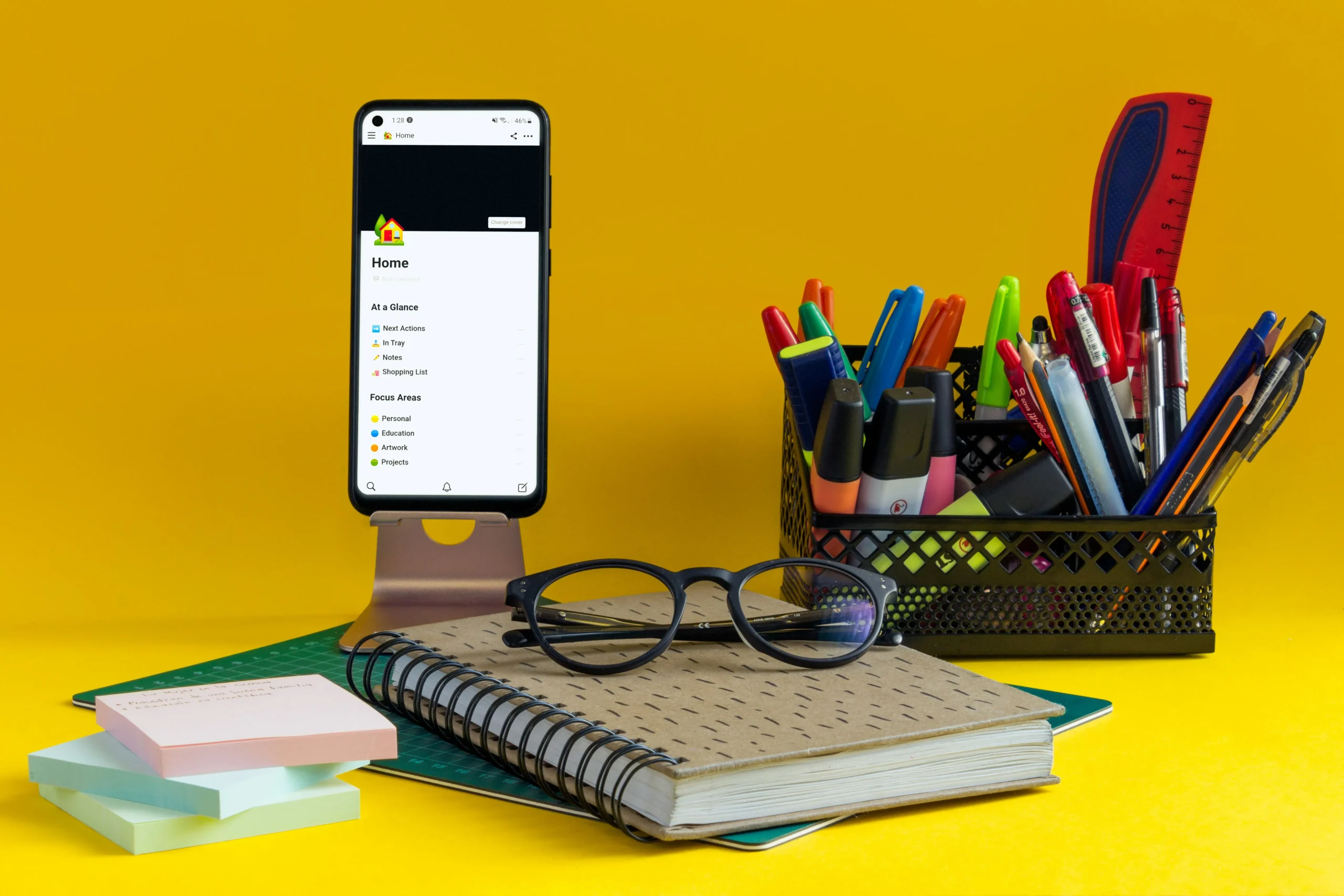
The transition to an organized digital system requires patience, but the return is noticeable in the reduction of stress and in the clarity of the final result.
Don't let clutter silence your voice. Use technology to transform your workflow into a precision machine that always works in your favor.
FAQ: Frequently Asked Questions
Is it better to use a single app for everything or several specialized ones?
Typically, a central management app combined with a dedicated tool for technical assets offers the best balance between overall order and power.
How to migrate old projects to a new platform?
Most apps in 2026 will have API importers that preserve tags and dates, avoiding the tedious task of starting from scratch.
Do these apps work offline?
Yes, leading platforms allow offline work and automatically sync changes when a connection is detected, ensuring that progress is never lost.
Are AI functions safe for my ideas?
The professional versions use closed environments. Your data is not used to train public models, ensuring that your intellectual property remains private.
Are these apps worth paying for as a freelancer?
If you manage more than three projects at once, the time you save on administrative tasks usually more than compensates for the monthly subscription.
\